Set up Live Draft
Link your tag, choose a mode, and have it ready before you queue.
Install and link the right player tag
Install DraftCoach AI from the App Store or BrawlAiCoach from Google Play. Sign in using an available account provider. Copy the public player tag from your Brawl Stars profile and add it in the app. You do not need your Supercell password.
If you have several linked tags, select the account you are about to play. Recommendations depend on that roster. Check that your brawlers and levels have loaded before starting a draft.
Automatic Live Draft on supported iOS devices
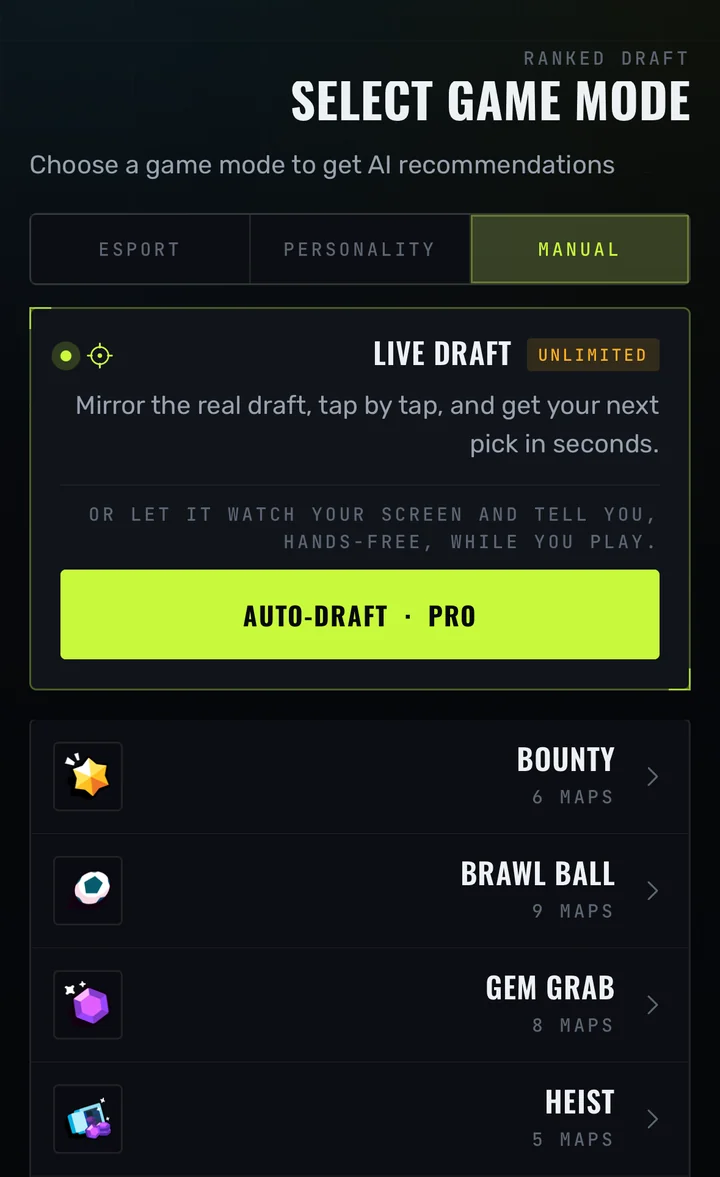
Open Live Draft from the Draft area. Automatic reading requires Pro or an active trial, iOS 27 or later, and support confirmed by the installed app. Enable Live Activities for the app in iOS settings if they are disabled.
Press Start and follow the system screen-sharing permission prompt. Switch to Brawl Stars and begin your Ranked draft. The assistant reads the board and presents advice through Live Activities; presentation varies by device. Return to the assistant and press Stop when you are finished.
If the app reports that screen capture is unsupported, choose manual mode. Updating the OS does not by itself make every device or app build compatible.
Manual Live Draft on iOS and Android
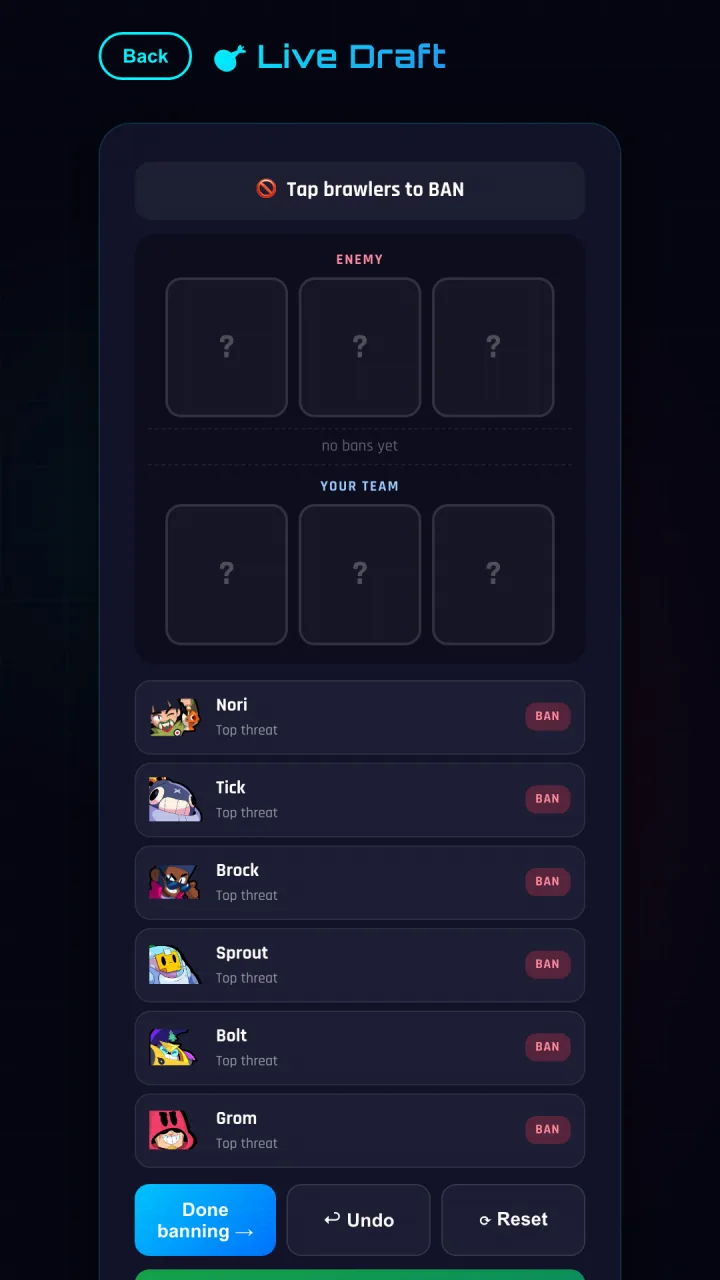
Choose Manual in the Draft area, select the mode and map, and set which team picks first. Mark the bans, then enter each allied and enemy pick as it happens. Check the updated shortlist before locking your own pick in the game. A second device can make manual entry easier while the game stays open.
A Free account has three manual drafts per day. Pro and the introductory trial allow unlimited manual drafts. Automatic Android reading is not available in the current public release.
When advice is missing or looks wrong
- No roster: check the active player tag and refresh account data.
- No automatic advice: check Pro access, device support, capture permission and Live Activities settings.
- Wrong context: check the map, mode, first-pick team and marked bans.
- Missing recognition: compare with the real board; use manual mode rather than assuming an unread pick was captured.
- Still stuck: contact in-app support with your app version, device, mode and map. Never send passwords or sign-in codes.